Chrome Web Store reviewer guide
SourcePack Hub
Save and export local AI research source packs from the current page.
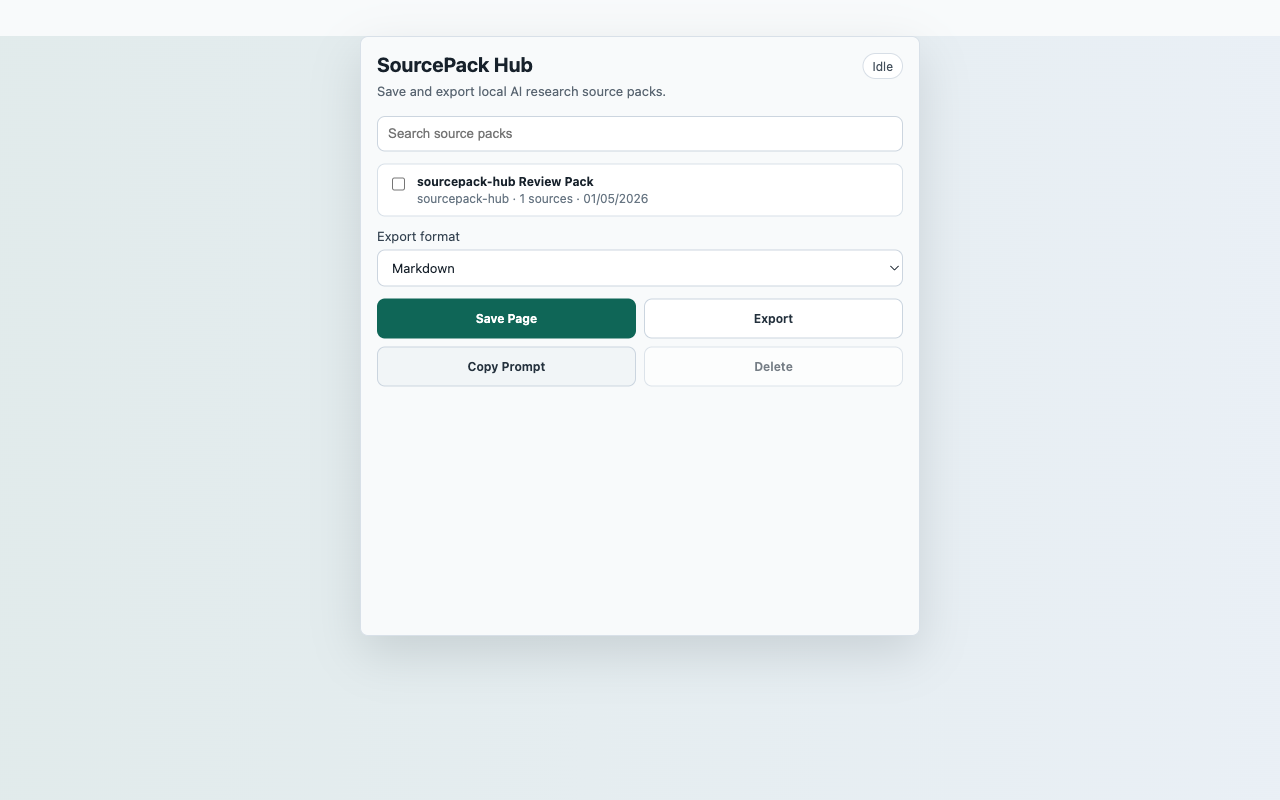
Reproducible Test Steps
- Open a normal web page.
- Click the SourcePack Hub toolbar action and choose Save Page.
- Verify the new pack appears in the local library list.
- Search for the saved page title.
- Select the pack, export JSON, then test delete cancellation and confirmation.
Expected Result
- The saved pack appears locally without an account.
- Search narrows the local library.
- Delete requires confirmation.
- No persistent host permission is requested.
CredentialsNo SourcePack account, API key, backend, or third-party sign-in is required.
User actionCapture starts only after the reviewer clicks Save Page.
Data locationLocal SourcePack library in chrome.storage.local
Network postureNo captured page, chat, repo, transcript, table, or competitor content is uploaded to a SourcePack server.