Tools
CWS Scout
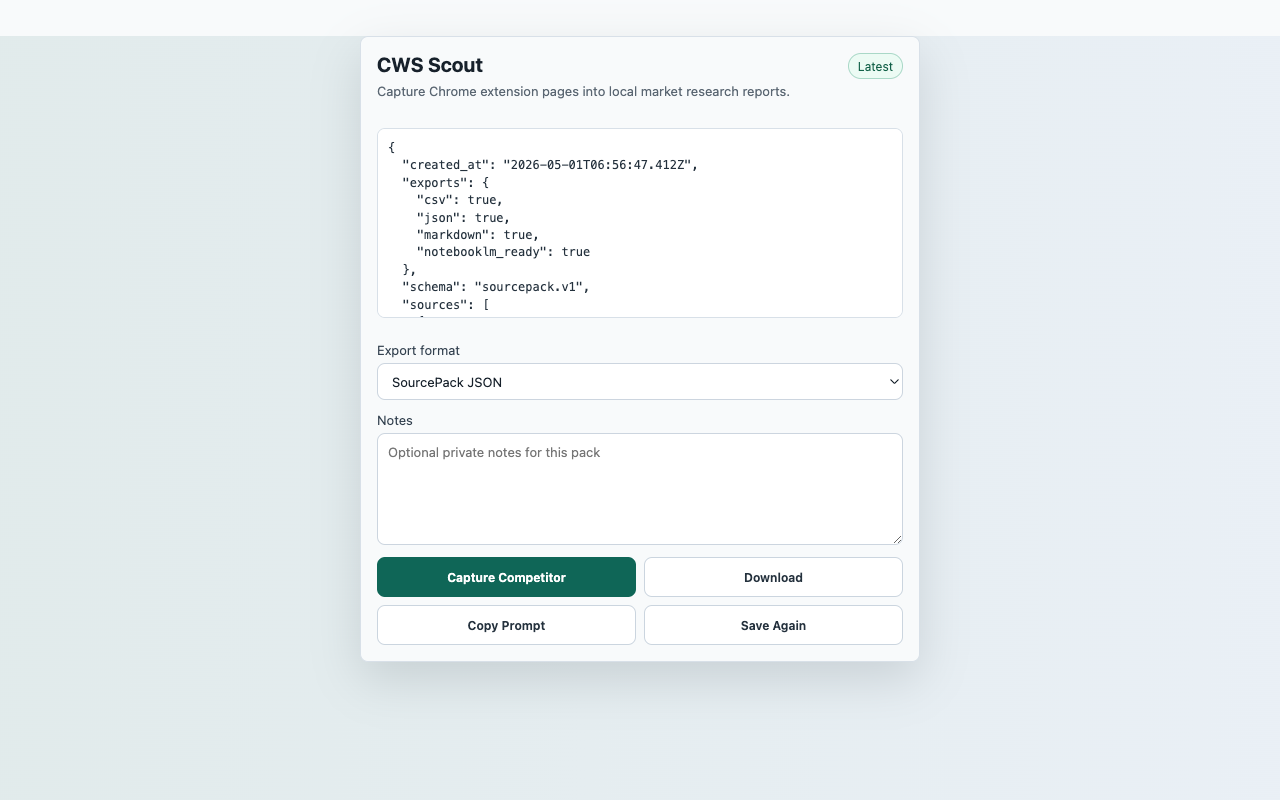
Save visible Chrome-Stats extension page details as a local competitor research report after a user click.
InputCurrent Chrome-Stats extension page
ActionCapture Competitor
FilesMarkdown, JSON SourcePack
PermissionactiveTab, storage, contextMenus, downloads, scripting; no persistent host permissions
StorageRecent captures in chrome.storage.local
ReviewerOpen reproducible guide
Captured content stays local unless the user downloads an export.
Core flow
Capture Competitor to local export
- Open a Chrome-Stats extension detail page.
- Click the extension action, then choose Capture Competitor.
- Review visible users, rating, rating count, source URL, and page notes.
- Download Markdown or JSON for internal research.
Capture surfaceCurrent Chrome-Stats extension page
Suggested smoke targetSuggested smoke target: https://chrome-stats.com/d/hiiildgldbpfbegcfgemoliikibfhaeh or another Chrome-Stats extension detail page.
Primary actionCapture Competitor
ExportsMarkdown, JSON SourcePack
StorageRecent captures in chrome.storage.local
PermissionsactiveTab, storage, contextMenus, downloads, scripting; no persistent host permissions
Scope
What ships in this build
Included
- Captures visible Chrome-Stats metrics when present on the page.
- Stores competitor notes as a SourcePack report.
- Does not crawl Chrome Web Store pages or run background scans.
- Requests no persistent Chrome-Stats or Chrome Web Store host permission.
Limits
- If a metric is not visible, the report records it as missing instead of guessing.
- CWS Scout is not affiliated with Chrome-Stats, Google, or the Chrome Web Store.
- This launch scope is local competitor note capture, not public rank manipulation.