Chrome Web Store reviewer guide
BrowserProof
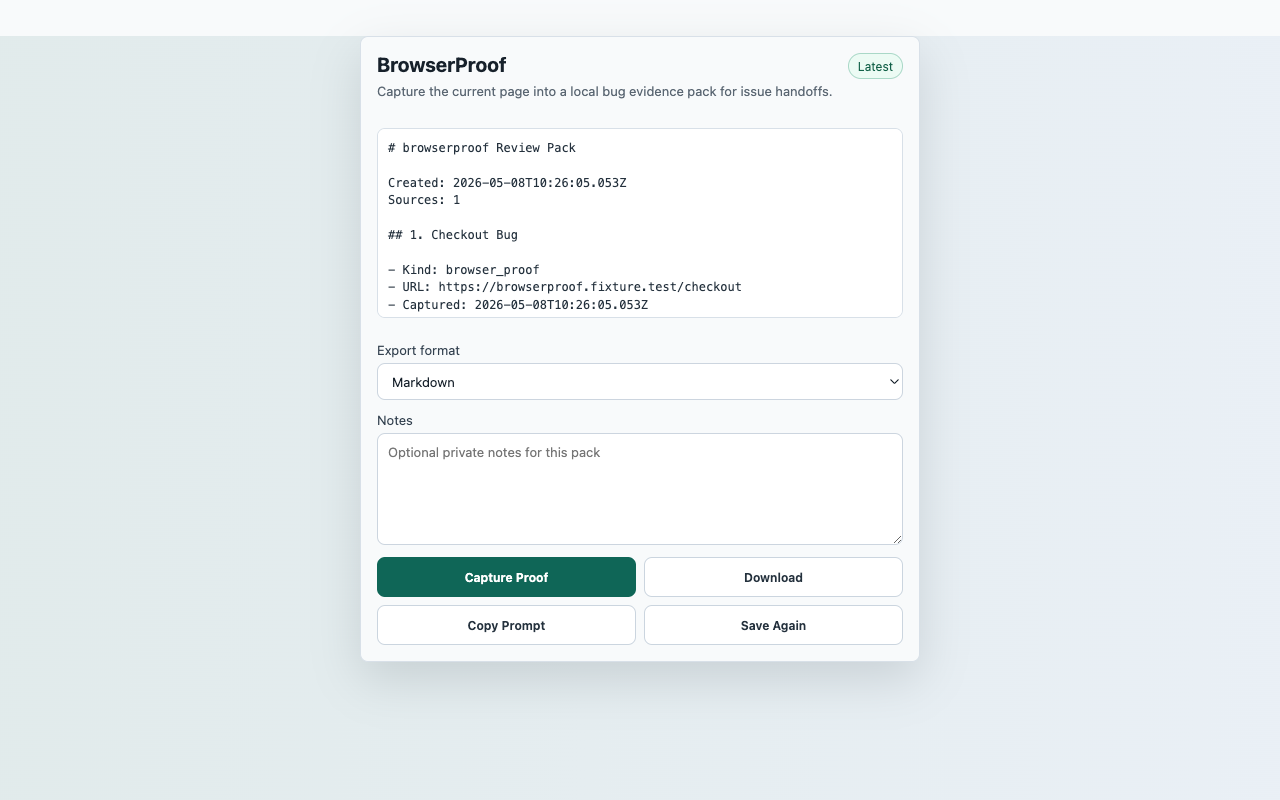
Capture the current page into a local bug evidence pack for issue handoffs.
Reproducible Test Steps
- Open a normal web page or the BrowserProof fixture page.
- Click the BrowserProof toolbar action and choose Capture Proof.
- Add short expected/actual notes if desired.
- Verify the preview includes URL, visible headings, page excerpt, interaction counts, and the hand-off checklist.
- Download Markdown or JSON and confirm no persistent host permission is requested.
Expected Result
- The popup shows a saved proof pack after capture.
- The export includes page context and optional operator notes.
- No captured page content is uploaded to a server.
CredentialsNo SourcePack account, API key, backend, issue tracker login, or third-party sign-in is required.
User actionCapture starts only after the reviewer clicks Capture Proof.
Data locationRecent proof packs in chrome.storage.local
Network postureNo captured page, chat, repo, transcript, table, or competitor content is uploaded to a SourcePack server.